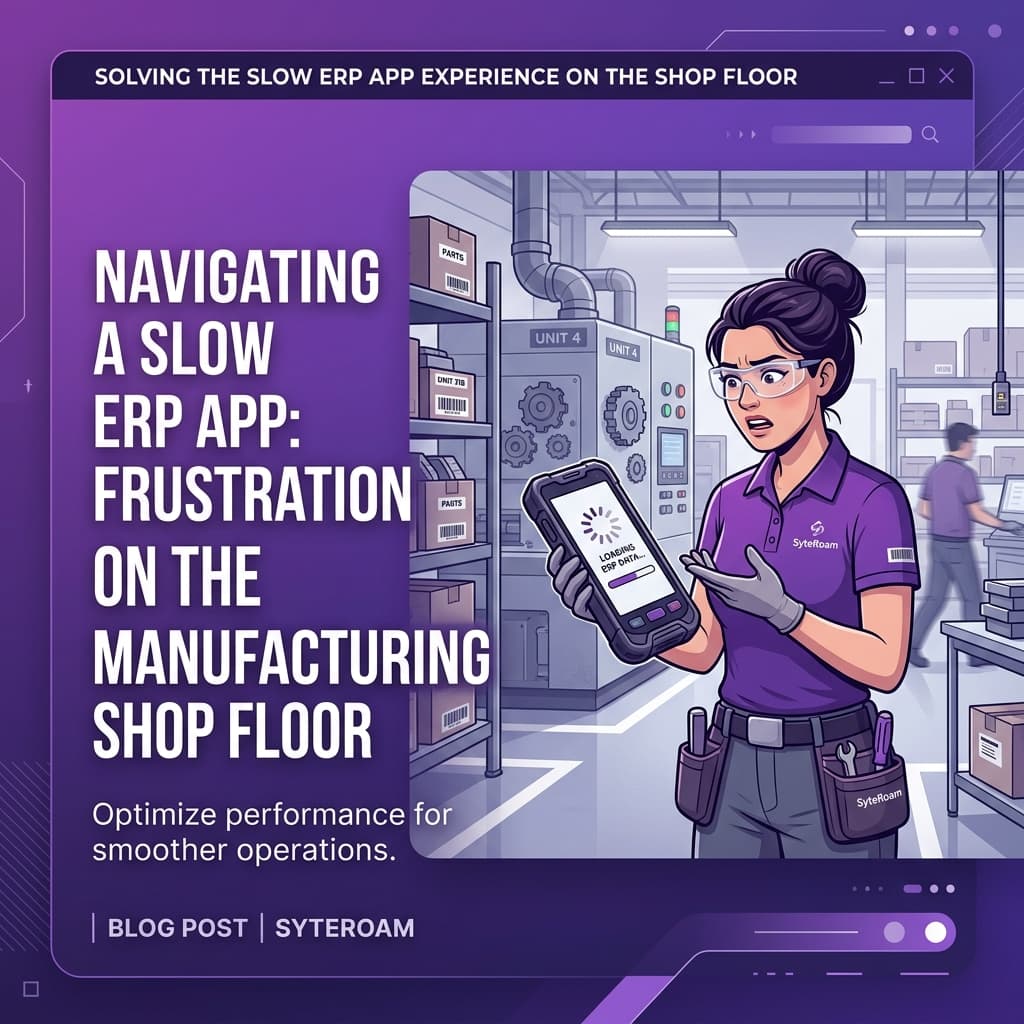
Running a business efficiently requires access to accurate information wherever work happens. Many organizations rely on a mobile app for Cloud Suite Industrial to keep teams connected to their ERP system while away from their desks. However, not every mobile solution delivers the speed, usability, and real-time visibility users expect.
Slow screens, complicated workflows, and delayed access to critical information can reduce productivity and make decision-making harder than it should be. This article explores the common causes of poor mobile ERP experiences and what businesses should look for in a better solution.
The Hidden Cost of a Slow Mobile Experience
Many organizations do not realize how much time is lost when employees struggle to access ERP information on mobile devices. Sales teams wait for customer details, managers delay approvals, and service teams lack visibility into current ERP data while working remotely.
Even small delays can have a significant impact. When users need to switch between systems, return to their desks, or wait for information to load, productivity suffers. Over time, these interruptions create inefficiencies that affect customer service, reporting accuracy, and operational responsiveness.
The challenge is not always the ERP itself. In many cases, the mobile application layer creates unnecessary friction between users and the information they need.
What a Purpose-Built Cloud Suite Industrial Mobile App Should Do
There is a clear difference between a general-purpose mobile app and one built specifically around your ERP workflows. A purpose-built app does not just display data. It captures transactions at the exact moment they happen.
With a well-designed app, they scan the item, confirm the quantity, and the ERP updates immediately. No paper. No double entry. No waiting until the end of the shift to update the system. That single improvement, repeated across every transaction in the day, adds up fast.
- Real-time inventory updates as items are picked, moved, or received
- Work order tracking with live status changes visible to supervisors
- Labour time capture at the job level without leaving the work area
- Barcode and QR scanning that talks directly to the ERP with no delay
- Role-based screens so each worker only sees what they need
These capabilities help users stay productive without requiring constant access to a desktop computer.
Common Signs Your Current Mobile App Is Holding Users Back
Mobile ERP challenges are often mistaken for training issues or process problems. In reality, the application itself may create unnecessary obstacles.
Common warning signs include:
- Users avoiding the mobile app and returning to desktop access whenever possible
- Slow screen loading times and poor responsiveness
- Multiple steps required to complete simple actions
- Limited access to the information users needs most frequently
- Inconsistent user experiences across devices
- Difficulty accessing dashboards, reports, or approval workflows while travelling
When these issues become common, the mobile solution may prevent users from getting the full value of CloudSuite Industrial.
How to Fix It: Choosing the Right SyteLine Mobile App Solutions
When evaluating mobile ERP solutions, organisations should focus on usability, performance, and integration of quality.
Important considerations include:
- Real-time ERP integration that provides immediate access to current information
- Role-based user experiences that simplify navigation and improve productivity
- Fast performance across smartphones and tablets
- Secure access to ERP data from any location
- Support for approvals, dashboards, reporting, and business workflows
- Easy deployment and adoption across the organisation
Since SyteRoam operates in real time, users always work with current ERP information whenever they are connected.
Real Impact: What Changes When the App Works Right
When users have fast and reliable access to CloudSuite Industrial data, decisions happen faster and with greater confidence.
Managers gain immediate visibility into business performance. Sales teams can access customer information without returning to the office. Approval processes move faster, and users spend less time searching for information.
The result is improved responsiveness, greater productivity, and stronger adoption of ERP processes across the organisation.
Rather than acting as a barrier, the mobile application becomes a practical extension of the ERP system.
Improve Mobile Access to CloudSuite Industrial
If your users struggle to access CloudSuite Industrial efficiently on mobile devices, the issue may not be your ERP system. The right mobile solution can improve visibility, simplify workflows, and help teams stay productive wherever they work.
SyteRoam provides real-time mobile access to CloudSuite Industrial, giving users secure access to ERP information, approvals, dashboards, and business processes from their mobile devices. If you are looking to improve the mobile ERP experience across your organisation, we can help.
Frequently Asked Questions
Why is my mobile app slow when connected to CloudSuite Industrial?
Mobile app performance issues are often caused by inefficient integration with the ERP system, excessive data processing, or poorly designed user interfaces. If users experience slow loading times, delayed updates, or complex navigation, productivity can suffer. A well-designed mobile solution should provide fast, responsive access to CloudSuite Industrial data and processes.
Can a mobile app really affect business productivity?
Yes. Mobile applications play a critical role in how quickly employees can access information, complete approvals, review reports, and make decisions. Even small delays or complicated workflows can add up over time, reducing efficiency and increasing frustration across teams. A streamlined mobile experience helps users stay productive wherever they work.
What is the difference between a generic mobile app and one designed for CloudSuite Industrial?
A generic mobile app typically provides broad functionality across multiple systems and industries. A solution designed specifically for CloudSuite Industrial focuses on ERP workflows, business processes, and real-time data access. This often results in a more intuitive user experience, better performance, and stronger integration with the ERP environment.
Does a better mobile app require replacing the entire ERP system?
No. The ERP system remains unchanged. A mobile solution simply provides a more effective way for users to access ERP information and processes from their mobile devices. This allows organisations to improve usability and accessibility without disrupting their existing CloudSuite Industrial investment.
What should I look for in a mobile app for CloudSuite Industrial?
Look for real-time ERP integration, intuitive role-based screens, strong security, responsive performance, and support for key business functions such as approvals, reporting, dashboards, and data access. The best solutions make CloudSuite Industrial easier to use while helping employees stay productive away from their desks.
How quickly can a new mobile app deliver results?
Many organisations notice improvements shortly after implementation. Faster access to information, simplified workflows, and improved user adoption often become apparent within the first few weeks. Over time, these benefits can lead to better decision-making, increased productivity, and greater value from the ERP system.